


What Is Copilot Studio (Microsoft)? A Simple Guide Anyone Can Understand
Have you ever wished you had a helper who never gets tired, never forgets, and can answer the same question a thousand times without complaining? That is basically what Microsoft built with Copilot Studio.
If you searched for what is Copilot Studio (Microsoft), you probably heard the name at work, on LinkedIn, or in a Microsoft 365 update and felt a little lost. Don’t worry. By the end of this article, you will understand it as easily as you understand how a TV remote works.
We will keep the language simple, skip the confusing tech words, and explain everything step by step using real examples.
What Is Copilot Studio (Microsoft), In One Simple Line
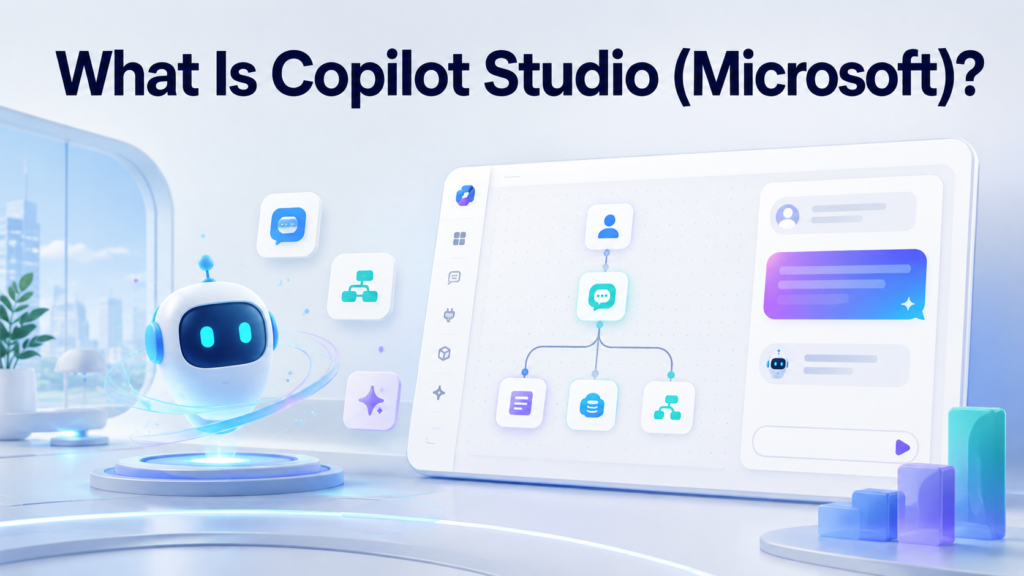
Copilot Studio is a tool made by Microsoft that lets you build your own AI helper, called an agent, without writing complicated code.
Think of it like building a robot friend using building blocks instead of wires and screws. You tell it what it should know, what it should do, and where it should work. Then it goes and does that job for you.
According to Microsoft’s official Copilot Studio page, it is an end to end platform where you design, test, and publish these AI agents using plain language or a simple drag and drop screen.
So in short, what is Copilot Studio (Microsoft)? It is a workshop where anyone, even without coding skills, can build a smart digital assistant.

Why Did Microsoft Build Copilot Studio
Copilot Studio did not appear out of nowhere. It used to be called Power Virtual Agents. Microsoft later renamed and upgraded it, added more AI power, and connected it closely with Microsoft 365 Copilot.
The idea was simple. Companies wanted AI that could:
- Answer employee questions instantly
- Handle repeated customer support requests
- Automate small daily tasks
- Work safely inside the company’s own systems
Instead of hiring a developer for every small AI project, Copilot Studio lets regular staff build these helpers themselves.
How Copilot Studio Works (Explained Like You Are New To This)
You do not need to be a programmer to follow this. Here is how building an agent normally goes.
Step 1: Decide What The Agent Should Know
You choose the topic. It could be your company policies, product details, or answers to common questions.
Step 2: Feed It Information
You connect it to documents, websites, or databases. The agent reads this information and learns from it.
Step 3: Teach It How To Talk
You can guide its tone. Should it sound formal? Friendly? Short and direct? You decide.
Step 4: Connect It To Your Apps
This is where it gets powerful. You can link the agent to Outlook, Teams, SharePoint, or even outside tools using connectors.
Step 5: Test, Fix, And Publish
Before it goes live, you test how it responds. Once you are happy, you publish it so real people can use it.
The official Microsoft Learn documentation walks through each of these steps in more technical detail if you want to go deeper later.

What Can You Actually Build With Copilot Studio
This is the part most people care about. Here are common examples of agents people build:
- A customer support bot that answers order questions any time of day
- An HR assistant that answers leave policy or benefits questions
- An IT helpdesk bot that resets passwords or logs tickets
- A sales assistant that pulls product details instantly
- An internal knowledge bot that searches company files for answers
If you are curious about AI agents in general and want a wider view before building one, our guide on the best AI agents course with certificate is a great next read.
Copilot Studio vs Microsoft 365 Copilot vs Copilot Cowork
People mix these three up all the time. Let’s clear it up in one simple table.
| Tool | What It Actually Does |
|---|---|
| Microsoft 365 Copilot | The AI assistant you use daily inside Word, Excel, Outlook, and Teams |
| Copilot Studio | The workshop where you build and customize your own AI agents |
| Copilot Cowork | A newer agent that takes a task and completes it end to end across apps, then checks with you |
So Microsoft 365 Copilot helps you work faster. Copilot Studio helps you build something new. Cowork takes work off your plate completely.
If you already use Microsoft 365 and want to understand the base platform first, read our simple guide on what is M365 before jumping into Copilot Studio.
How Much Does Copilot Studio Cost In 2026
This is where most articles get confusing. We will keep it simple.
Copilot Studio does not charge per person like a normal subscription. Instead, it charges based on how much the agent is used. This usage is measured in something called Copilot Credits.
Here is the easy version:
- Building an agent is free. The maker license costs nothing.
- Running the agent costs credits. Every question it answers uses some credits.
- A simple answer uses fewer credits. A complex answer that thinks harder uses more.
- A common package costs around 200 dollars a month for 25,000 credits.
- You can also pay only for what you use, at a slightly higher rate per credit.
For the exact numbers and how licensing works for different Microsoft 365 plans, Microsoft’s own licensing and subscription page explains this clearly.
One thing worth knowing before you start: if your agent connects to extra services like SharePoint document storage or advanced AI models, those can add small extra costs too. Plan for that early so there are no surprises later.

A Real World Example To Make This Click
Picture a small online clothing store. Customers keep asking the same three questions every day. Where is my order? Can I return this? What sizes are left?
Instead of a human answering these all day, the store owner builds a small agent in Copilot Studio. They feed it the return policy, size chart, and order tracking steps. Within a short time, the agent handles most of these questions automatically, day and night, without getting tired or annoyed.
That is the real value of Copilot Studio. It is not magic. It is simply taking repeated questions off a human’s plate.
Where Most Guides About Copilot Studio Fall Short
We looked closely at the top articles currently ranking for this topic, including Microsoft’s own pages, vendor blogs, and independent writers. Most of them are written for IT managers or developers. Here is what they usually miss:
- They skip a plain, beginner friendly explanation entirely
- They rarely explain the real, total cost including hidden extras
- They do not mention common mistakes beginners make
- They focus only on enterprise use cases and ignore small business owners
- They rarely compare it clearly against similar tools
This guide fixes all of that by keeping things simple while still covering the full picture, including the weak points below.
Copilot Studio Limitations You Should Know About
No tool is perfect, and honesty matters here. Some real limitations include:
- Pricing can be hard to predict because it depends on how the agent is built, not just how many people use it
- There is a learning curve if you want advanced multi step agents, even though basic ones are simple
- It works best inside the Microsoft ecosystem. If your company uses many non Microsoft tools, integration takes more effort
- Some advanced features, like agents that use outside AI models, can add unexpected charges
- Governance and security setup needs proper attention, especially in larger companies
Knowing these before you start saves a lot of frustration later.
Copilot Studio Alternatives Worth Knowing
Copilot Studio is not the only option. Depending on your needs, you might also come across:
- Google’s AI tools for building conversational assistants
- Dialogflow for chatbot building outside the Microsoft world
- Zapier style automation tools for simpler task automation without AI conversations
If your work already leans heavily on Google tools, our article on Google Lens uses shows how Google’s AI features compare in everyday use.

Tips Before You Start Building Your First Agent
- Start small. Build one simple agent before attempting a complex one.
- Use real questions your team or customers already ask.
- Test with real people, not just yourself, before publishing.
- Check the Microsoft Adoption hub for Copilot Studio for free guides and examples from other companies.
- Review your usage numbers monthly so costs never surprise you.
More Simple Tech Guides Like This
If this kind of clear, no jargon explanation helped you, you will probably enjoy these too:
Frequently Asked Questions
Is Copilot Studio free to use?
Building an agent is free. You only pay once the agent is actually used, based on credits consumed.
Is Copilot Studio the same as Microsoft Copilot?
No. Microsoft 365 Copilot is the assistant you use daily in apps like Word and Teams. Copilot Studio is the tool used to build and customize new agents.
Do I need coding skills to use Copilot Studio?
No. Basic agents can be built using plain language and a visual interface. Coding only helps for advanced, complex agents.
Can a small business use Copilot Studio?
Yes. Many small teams use it for simple tasks like answering common customer questions or automating basic replies.
Is Copilot Studio safe and secure?
Yes, when set up correctly. Microsoft includes governance and monitoring tools, but businesses still need to configure access and data permissions properly.
What is the biggest mistake beginners make with Copilot Studio?
Building a large, complex agent right away instead of starting with one simple, well tested use case.
Final Thoughts
So, what is Copilot Studio (Microsoft) really about? It is Microsoft’s way of letting anyone, not just developers, build a helpful AI assistant for real work tasks. It saves time, answers repeated questions, and connects smoothly with tools your team already uses.
Start small, test properly, and keep an eye on usage costs, and you will get real value out of it without any confusion.
For deeper technical planning at scale, Microsoft’s Power Platform architecture center is a solid next stop once you are ready to grow beyond your first simple agent.
