



Use AI Game Development Apps to Build a Game Without Coding
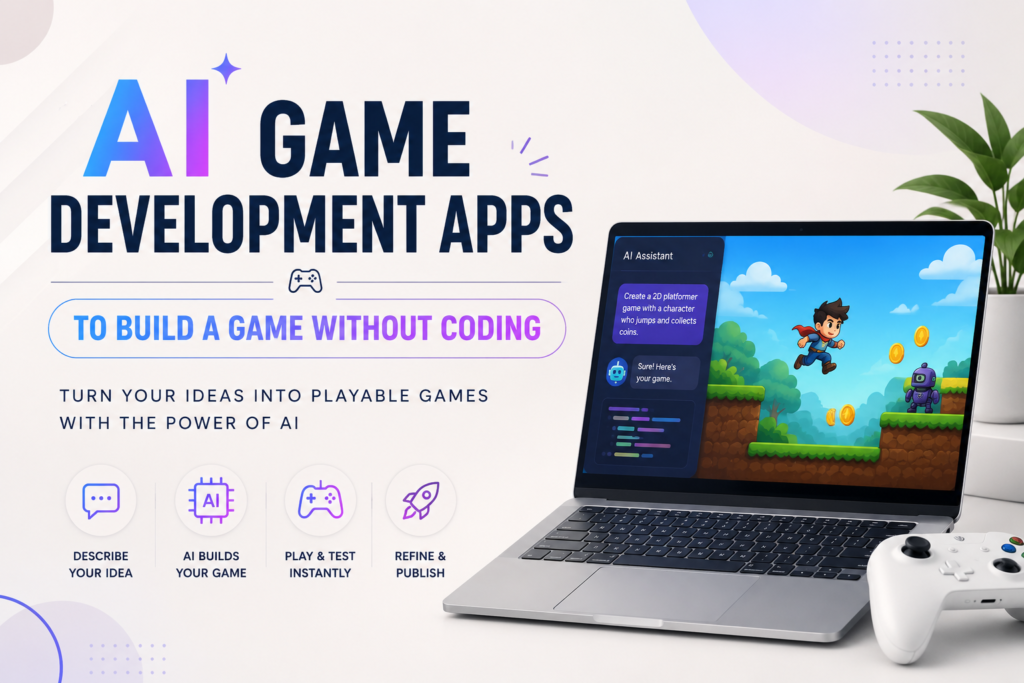
Have you ever had a game idea in your head but no clue how to make it real? Maybe you pictured a cat jumping over spikes, or a spaceship dodging asteroids, or a puzzle where you match colored gems. For years, that idea would stay stuck in your head unless you learned coding first. That is no longer true.
Today you can use AI game development apps to build a game without coding. You type what you want in plain words, and the app turns it into a playable game right in front of you. No coding classes. No years of practice. Just your idea and a chat box.
This guide walks you through how these tools actually work, which apps are worth your time in 2026, what they can and cannot do, and how to avoid the mistakes most beginners make. We also looked closely at other articles ranking for this topic and found they lean on one app, skip pricing, and never explain who actually owns the game you build. We fixed all of that here.
What Are AI Game Development Apps
An AI game development app is a tool that builds a video game from your instructions instead of your code. You describe your game the same way you would explain it to a friend. The app listens, and its AI turns your words into working game logic, characters, levels, and rules.
Think of it like ordering food at a restaurant. You tell the waiter what you want. You do not need to know how to cook it yourself. The kitchen, in this case the AI, handles the technical part while you focus on the idea.
These apps are built for anyone. Students, teachers, hobby creators, small business owners, and even kids can use them. You do not need a computer science degree or years of training. You just need an idea and some patience to test and improve it.
How These Apps Let You Build a Game Without Coding
AI game development apps work by turning plain language into code behind the scenes. When you type something like “make a fox that jumps over rocks and collects coins,” the AI reads that sentence and writes the actual programming needed to make it happen.
Here is what usually happens step by step inside the app:
- You describe the game idea in a chat box, using normal words
- The AI creates the game logic, meaning the rules that decide how things move and react
- The AI also generates or suggests characters, backgrounds, and sound
- You preview the game right away and see it working
- You ask for changes in plain words, like “make the fox jump higher,” and the game updates instantly
This back and forth is called prompting. It feels more like a conversation than programming. You never touch a line of code, yet the finished game runs on real code the AI wrote for you.
Two Types of AI Game Tools You Should Know
This is the part most articles on this topic skip completely, and it matters more than any single app name.
AI game development apps fall into two different groups, and knowing the difference will save you a lot of time.
Prompt to playable platforms. Tools like Rosebud AI let you type a sentence and get a playable browser game in seconds. They are the fastest way to test an idea. The catch is that your game often lives inside their platform, so you are somewhat tied to their system unless you upgrade to export your work.
AI assisted game engines. Tools like GDevelop, Buildbox, and Summer Engine give you a real project file that sits on your own computer or account. The AI still writes the logic and builds the scenes for you, but you end up owning a full game you can move, edit, or publish anywhere. This path takes a bit more setup, but you never feel locked out of your own creation.
If you just want to try an idea for fun, start with a prompt to playable tool. If you plan to publish and possibly earn money later, lean toward an AI assisted engine from day one. This single choice shapes everything else about your project.
Best AI Game Development Apps to Try in 2026
There is no single best app for everyone. The right pick depends on what kind of game you want and whether you plan to publish it later. Here is an honest look at the tools worth trying right now.
| App | Best For | Coding Needed | Ownership |
|---|---|---|---|
| Rosebud AI | Fast browser prototypes and 2D or 3D games from a sentence | None | Hosted, code export on paid plans |
| GDevelop | 2D platformers and arcade style games you fully own | None | Full ownership, free and open |
| Buildbox 4 | Mobile and casual games with AI generated scenes and assets | None | Full ownership |
| Summer Engine | 3D and multiplayer games meant for Steam or desktop | None | Full ownership, real engine project |
| Base44 | Simple casual games with leaderboards and daily challenges | None | Hosted app builder |
| Chaotix AI | Quick playable games from a short text description | None | Hosted |
Every one of these tools uses AI game development apps to build a game without coding, but they were made with different goals in mind. Try more than one before you commit hours to a single project. If you want a wider side by side look before choosing, this honest comparison of AI game makers covers more tools in detail, and this hands on Rosebud AI review walks through the actual prompt to game process.
Step by Step: How to Build Your First Game Using AI
Building your first game is simpler than most people expect. Here is a clear path to follow.
Step 1: Pick your idea and platform. Decide what kind of game you want, such as a platformer, a puzzle, or a simple runner. Also decide where you want to play it, whether that is a browser, a phone, or a computer.
Step 2: Choose your tool. Use a prompt to playable app if you want speed. Use an AI assisted engine if you want to keep and publish the final game.
Step 3: Write a clear first prompt. Instead of typing “make a cool game,” try something specific like “make a 2D platformer where a robot jumps over gaps and collects batteries.” Clear details give the AI something real to build.
Step 4: Test and adjust. Play the game right away. Ask for small changes one at a time, such as “make the jump higher” or “add a score counter in the corner.” Small steps work better than asking for ten changes at once.
Step 5: Add art, sound, and polish. Many apps include built in libraries of characters, backgrounds, and sound effects. Use these to make your game feel finished, not just functional.
Step 6: Publish or share. Export your game to an app store, share a browser link, or upload it to a platform like itch.io. Some apps handle this inside the same dashboard.
Who Actually Owns the Game You Build
This question comes up a lot, and most guides never answer it directly.
If you use a hosted, prompt based tool, your game usually runs on that company’s servers. You can share it and often play it for free, but moving it elsewhere or fully owning the code may require a paid plan. Read the terms before you invest serious time.
If you use an AI assisted engine that gives you a real project file, you own that file the same way you would own a document you wrote yourself. You can back it up, edit it later, or bring it to another platform. If publishing and long term ownership matter to you, this is the safer route from the start.
Can You Really Publish and Earn Money From AI Made Games
Yes, and this happens more often than people expect. Once your game is built, you can publish it to app stores, browser game sites, or platforms built for indie creators. Many creators earn money through ads shown between levels, in app purchases, or paid downloads.
Keep in mind that success still depends on more than the build itself. A fun idea, a clean design, and good first impressions matter just as much as the technology behind it. If you are curious how small creators grow an audience around free browser games, this roundup of top viral games you can play online without downloads shows what keeps players coming back.
Marketing also plays a bigger role than most beginners realize. Before anyone downloads your game, they usually watch a short clip or trailer first, so it helps to understand why game videos matter before players hit download.
Free vs Paid: What You Actually Get
Almost every AI game development app offers a free tier, but the free version is usually a starting point, not the full toolkit. Here is what typically changes between free and paid plans.
- Free plans usually limit how many AI generations or prompts you get per day
- Paid plans unlock code export, so you can take your game off the platform
- Higher tiers often add multiplayer support and larger asset libraries
- Some tools charge based on usage, meaning heavier projects cost more as they grow
- A few engines, like GDevelop, stay free and open even for full projects
Before you commit to a paid plan, build a small test project first. This shows you exactly what the free tier can and cannot do for your specific game idea.
Common Mistakes Beginners Make With AI Game Development Apps
Even with AI doing the heavy lifting, a few habits can slow you down or hurt your final game.
- Relying only on the AI and skipping basic planning, like what makes a game fun in the first place
- Asking for too many features in one prompt instead of building step by step
- Ignoring player feedback during testing
- Sticking with default templates instead of customizing characters and levels
- Forgetting to check who owns the finished game before spending weeks on it
Games that feel fresh usually come from creators who keep testing and tweaking small details. If you want to see how thoughtful design choices affect long term fun, this breakdown of what makes 99 Nights in the Forest so replayable is a good example of design decisions that keep players returning.
What AI Still Cannot Do
AI game development apps are powerful, but they are not magic. Knowing the limits helps you plan better.
- Highly unique or experimental mechanics may still need manual coding
- AI generated art and levels can feel generic unless you customize them
- Complex multiplayer systems still need careful setup, even with AI help
- Very large or detailed worlds may run slowly without extra optimization
- AI sometimes misunderstands a prompt, so testing and fixing remain part of the process
None of this means AI tools are not worth using. It simply means creativity and testing on your side still matter, even when the AI writes the code.
Tips to Get Better Results From Your AI Game App
- Be specific in your prompts. Say exactly what you want the character or level to do.
- Change one thing at a time so you can tell what worked and what did not.
- Save versions of your game as you go, in case a change breaks something.
- Study a few community made games in the app you choose to see what is possible.
- Combine tools if needed. Some creators build the game logic in one app and generate art in another, similar to how creators mix AI video tools for other content, as explained in this guide on creating AI videos using multimodal references.
AI Game Development Apps vs Traditional Coding
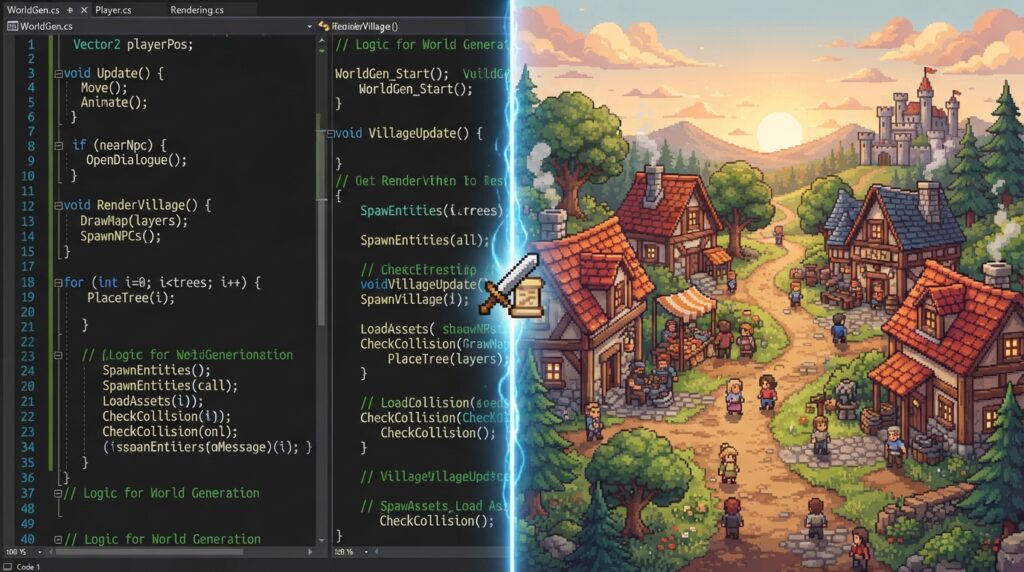
Traditional game engines like Unity or Godot give you full control over every detail, but they take months or years to learn well. AI game development apps trade a bit of that control for speed and simplicity.
For beginners, students, and solo creators, AI tools are usually the better starting point. For studios building large, complex titles, traditional coding still wins. Many creators actually use both, starting with AI to test an idea fast, then moving to traditional code only if the game grows into something bigger. If you are exploring other game platforms while you learn, this guide on creative ways to use Roblox Robux is worth a look too.
Frequently Asked Questions
What are AI game development apps?
They are tools that let you build a working video game using plain text instructions instead of programming. The AI writes the code, sets up the game logic, and often generates art and sound for you.
Can a total beginner really build a game without coding?
Yes. Apps like Rosebud AI, GDevelop, and Buildbox 4 are made for people with zero coding background. You describe your game in normal words and the AI handles the technical side.
Do I need design skills to use these apps?
No, but basic design sense helps. Most apps include templates, characters, and asset libraries so you can build something that looks good even without a design background.
Is it free to use AI game development apps to build a game without coding?
Most apps offer a free tier with limited features. You can build and test a small game for free, but exporting code, unlocking multiplayer, or removing usage limits usually needs a paid plan.
Can I publish and sell a game I made with AI?
Yes. You can publish to app stores, browser platforms, or itch.io, and earn through ads, in app purchases, or paid downloads. Game quality and marketing still affect how well it performs.
How long does it take to build a game with AI?
A simple prototype can be playable in minutes. A polished, publish ready game usually takes days or weeks of testing and small improvements, even with AI doing most of the coding.
Do I own the game I build with an AI app?
It depends on the tool. Hosted, prompt based apps may keep your game on their platform unless you pay to export it. AI assisted engines that give you a real project file mean you fully own what you build from the start.
Final Thoughts
Making a game used to require years of coding practice. Now you can use AI game development apps to build a game without coding, test your idea the same day you think of it, and publish it once it feels ready. Start small, pick a tool that matches your goal, and keep testing as you go. The technology handles the hard technical work. The fun idea still has to come from you.
